SquadStash
Help Center
Find answers to your questions.
Collections Mechanics
Last updated: 2024-05-23
This article covers the detailed mechanics of managing Collections. For payment workflows, see Payments.
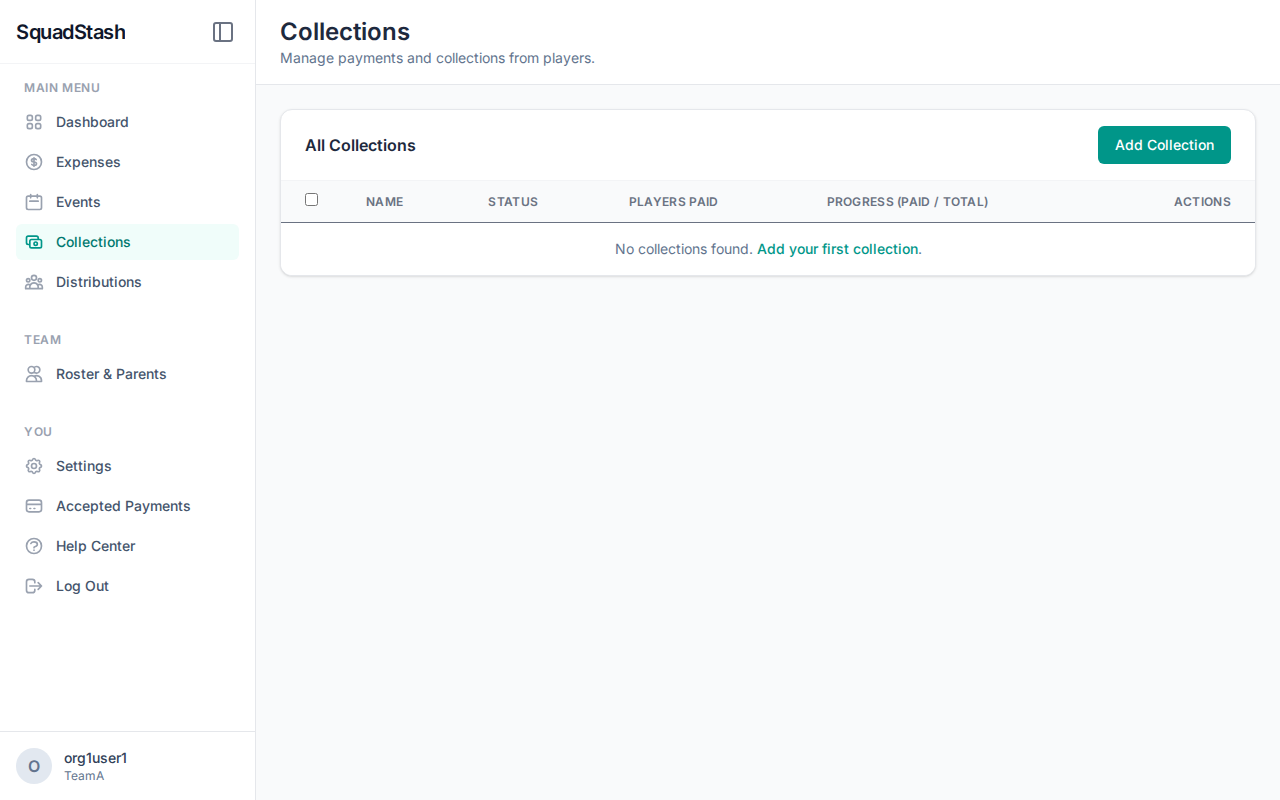
The Collection Lifecycle
A Collection goes through three states:
-
Draft (In Progress):
- You are still adding expenses and selecting players.
- No amounts are finalized.
- You can freely edit everything.
-
Distributed:
- You have clicked "Finalize".
- The total cost has been divided among the selected players.
- Distributions (bills) have been created for each player.
- Restriction: You cannot add/remove expenses without resetting the collection.
-
Collected:
- All players have paid their share.
- The collection is complete.
Editing a Collection
- In Progress: Click Edit to add more expenses or change players.
- Distributed:
- You can remove a player if they haven't paid. The system will recalculate the remaining balance for everyone else.
- You generally cannot change the amount of the expenses.
Deleting a Collection
- You can delete a collection if needed. This will remove all associated payment requests (Distributions).
- Warning: If players have already paid, deleting the collection will orphan those payment records. It is usually better to "Cancel" or just leave it.
Need help? Contact support at support@squadstash.com.
Need more help? Contact Support