SquadStash
Help Center
Find answers to your questions.
Events
Last updated: 2024-05-23
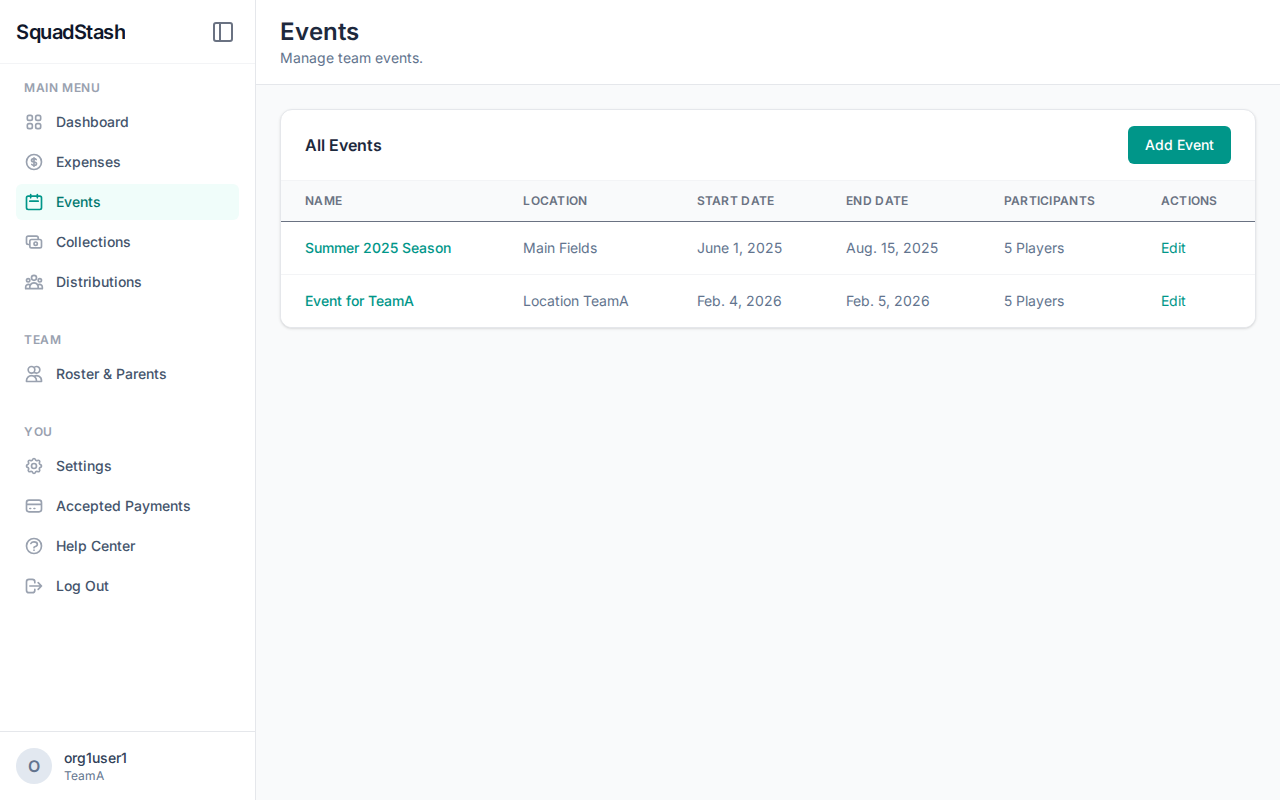
Events represent tournaments, games, or trips. They help organize your expenses and collections.
Creating an Event
- Go to the Events tab.
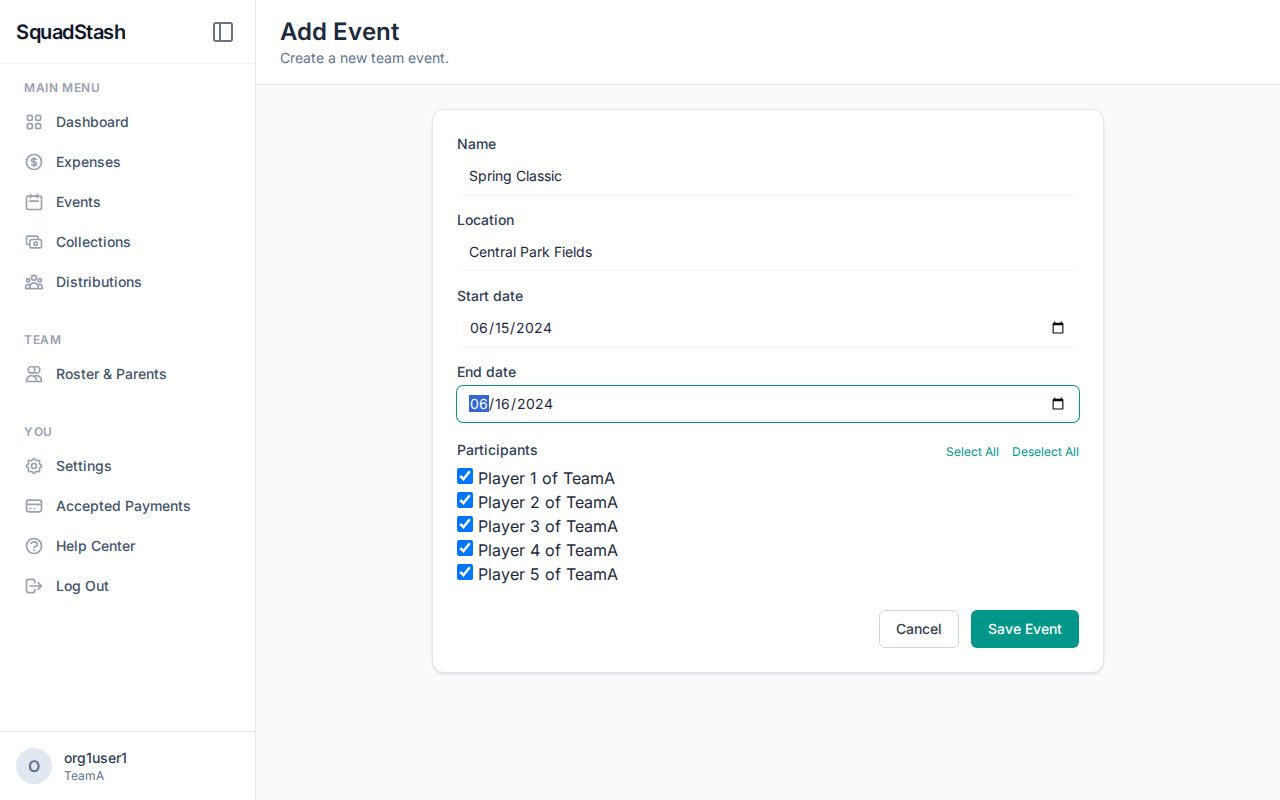
- Click Add Event.
- Name: (e.g., "State Championship").
- Location: Where is it happening?
- Dates: Start and End dates.
- Participants: Select which players are attending.
- Important: This list is used to default the "Selected Players" when you create a collection for this event.
- Click Save.
Using Events
- Linking Expenses: When adding an expense, select the Event. This groups all costs for that trip together.
- Creating Collections: When you create a collection for an event, the system will automatically suggest the expenses and players associated with that event.
Need help? Contact support at support@squadstash.com.
Need more help? Contact Support