SquadStash
Help Center
Find answers to your questions.
Managing Your Roster
Last updated: 2024-05-23
The Roster is the heart of your team. Here you can manage players, their contact info, and their parents.
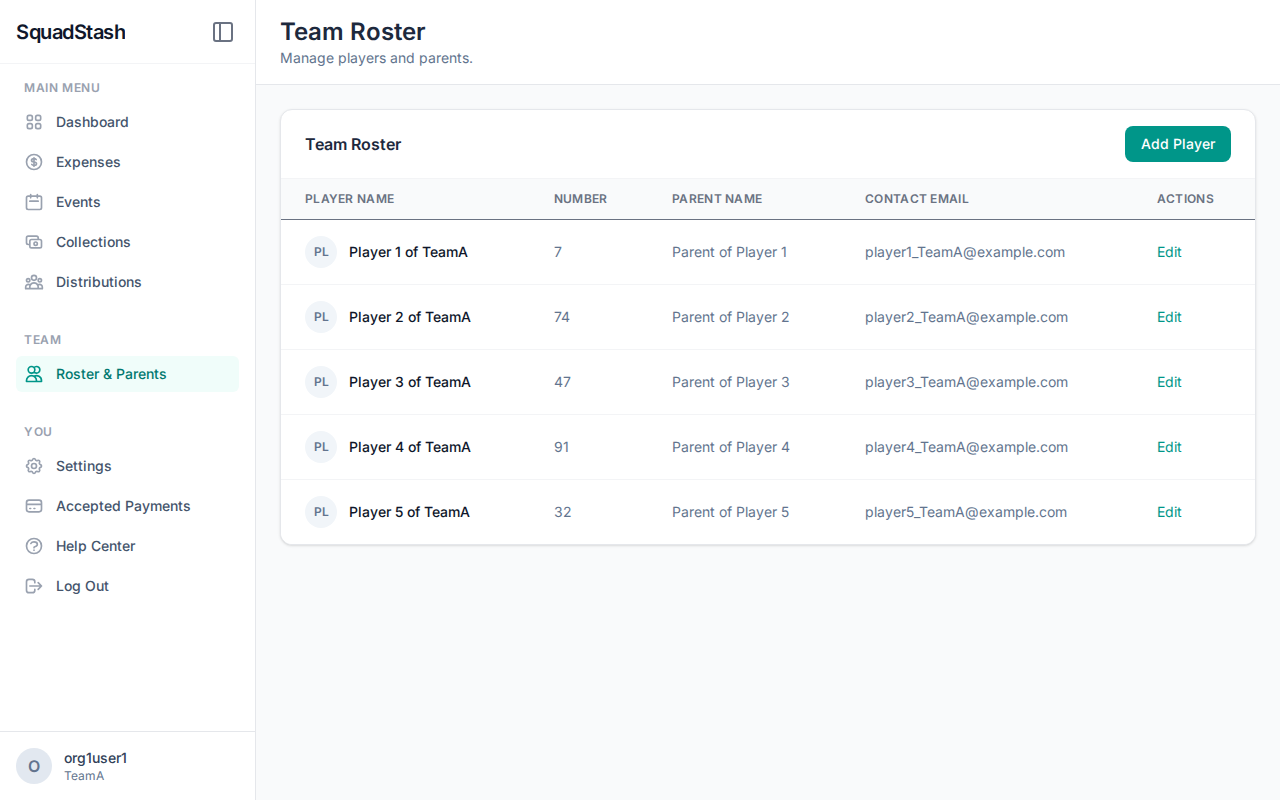
Adding Players
- Navigate to the Players tab.
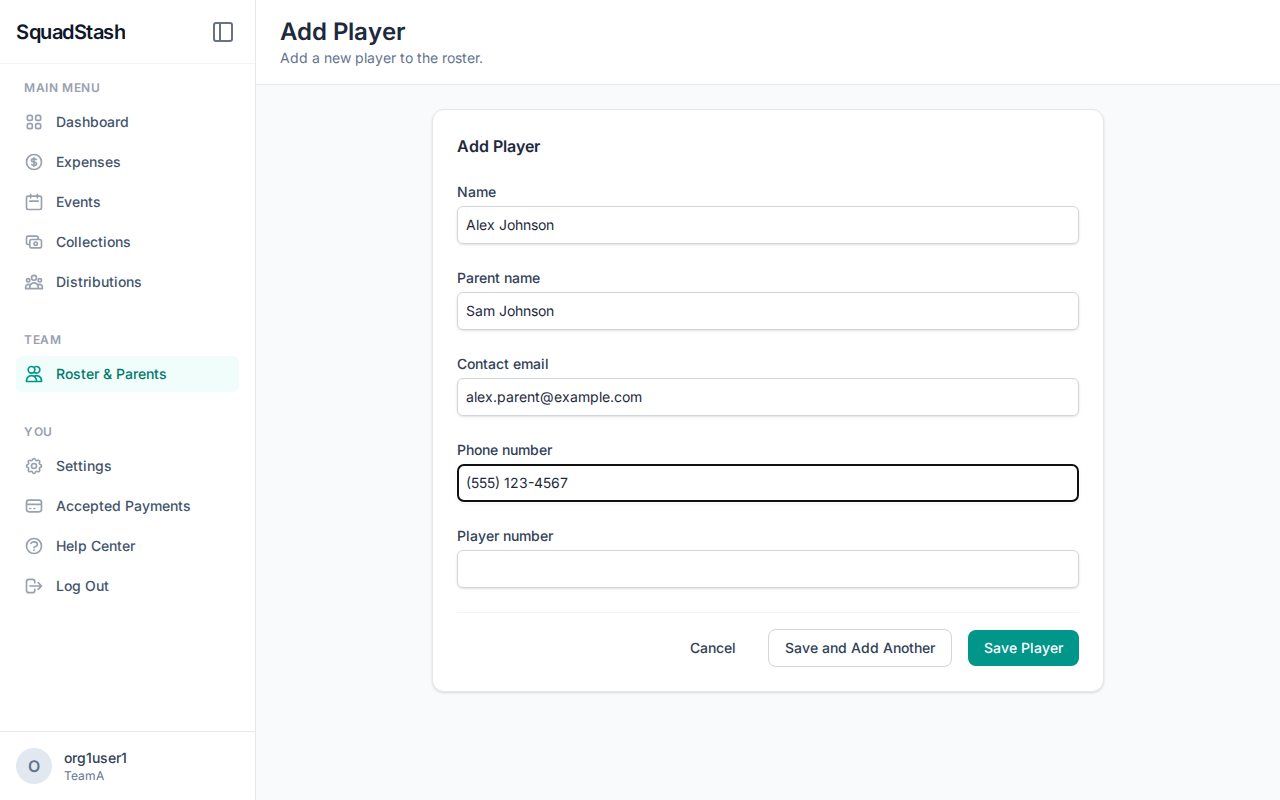
- Click Add Player.
- Name: Enter the player's full name.
- Contact Email: (Required) This is used for sending payment requests.
- Parent Name: (Optional) Useful for youth teams.
- Phone Number: (Optional) For quick contact.
- Click Save.
Editing Player Details
- Click on a player's name in the Players list.
- Update any information as needed.
- Click Save.
Viewing Player History
On a player's detail page, you can see their entire financial history with the team:
- Total Billed: How much they have been asked to pay.
- Total Paid: How much they have contributed.
- Balance Due: Any outstanding payments.
- Recent Distributions: A list of all collections they are part of.
Removing Players
- You cannot delete a player at this time.
- It is recommended to stop adding them to new collections if they leave the team.
Need help? Contact support at support@squadstash.com.
Need more help? Contact Support