SquadStash
Help Center
Find answers to your questions.
User Guide
Last updated: 2024-05-23
This user guide provides an overview of the main workflows in SquadStash.
The Core Workflow
SquadStash is designed around a simple cycle: Spend -> Collect -> Track.
1. Spend (Expenses)
As a team manager, you often pay for things upfront—tournament fees, equipment, field rentals.
- Log every purchase in the Expenses tab.
- Categorize them (e.g., "Field Rental", "Uniforms") to keep reports organized.
- Upload receipts so you never lose proof of purchase.
2. Collect (Collections)
Instead of asking for $20 here and $50 there, bundle your expenses into a Collection.
- Example: "September Expenses" might include field rental and referee fees.
- When you create a Collection, you select which expenses to include and which players are responsible.
- The system automatically calculates the Amount Per Player.
- Finalize the collection to lock in the amount and prepare for billing.
3. Track (Distributions)
Once a collection is finalized, the system creates a Distribution for each player. This is their specific bill.
- Use the Request Payment feature to email them a breakdown and payment links.
- When money hits your Venmo/Bank account, find the player in the list and click Toggle Paid.
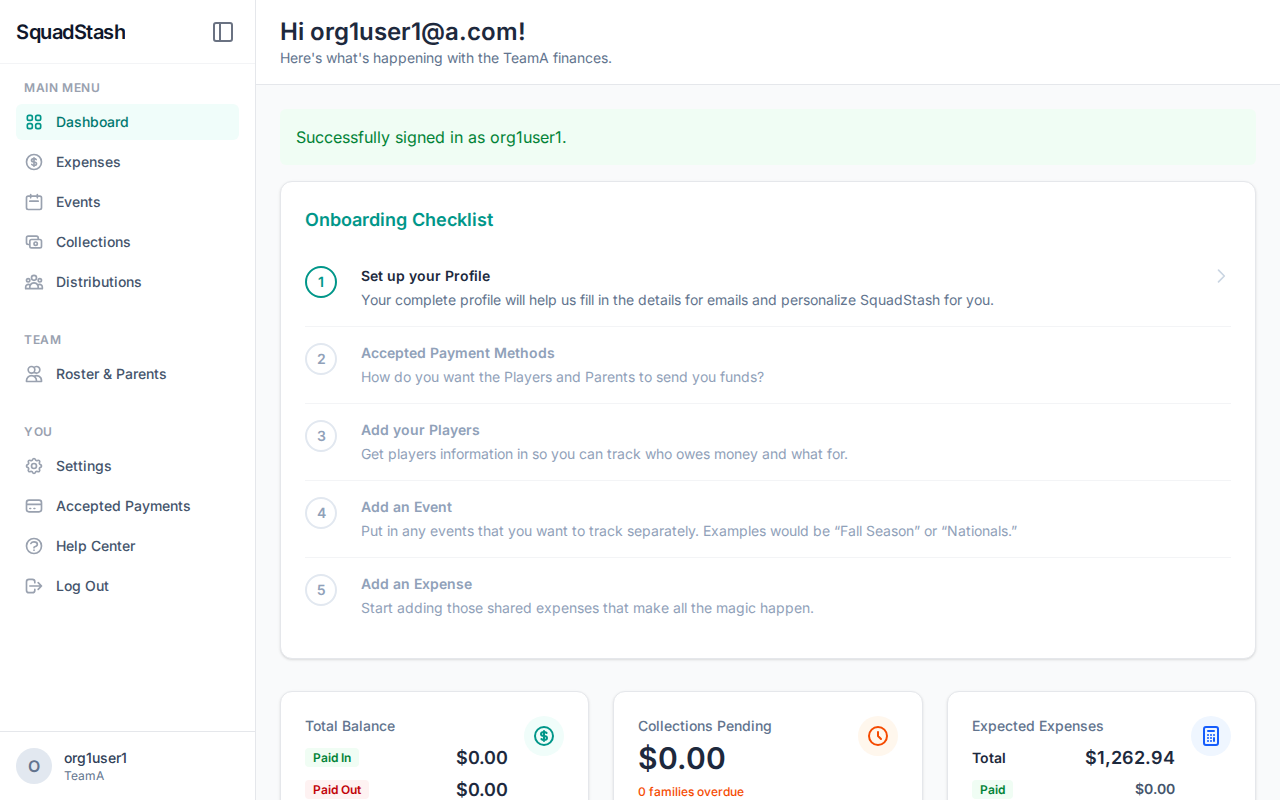
- The Dashboard will update to show you exactly how much is still outstanding.
Events
Events help you organize expenses.
- Create an Event (e.g., "Fall Classic Tournament") with dates and location.
- When adding expenses, link them to this Event.
- This lets you see exactly how much a specific tournament cost the team.
Multi-User Access
- Admins: Have full control to add expenses, manage roster, and settings.
- Standard Users: (If configured) Can view their own status.
- Note: Currently, most teams operate with a single Treasurer/Manager admin account.
Need help? Contact support at support@squadstash.com or visit our FAQ.
Need more help? Contact Support